For freelance marketers, data is everywhere. The real challenge isn’t getting the numbers; it’s getting the story they tell before your client gets overwhelmed. In 2025, the tools that matter are the ones that turn scattered metrics into a clear, actionable narrative without requiring a data science degree.
The right platform acts like a translation layer between raw data and strategic decisions. It connects the dots across channels, highlights what’s actually working, and lets you spend less time building reports and more time guiding your clients. Let’s look at the tools that are changing how freelancers work with data.
| Platform | Core Vibe & Function | Best For Freelancers Who Need… |
| Whatagraph | The All-in-One Storyteller | A unified system to blend data, find insights, and create client-ready reports without manual labor. |
| AgencyAnalytics | The Campaign Tracker | A straightforward way to monitor and report on PPC and SEO campaign performance for multiple clients. |
| HubSpot AI | The CRM Integrator | To weave AI-powered analytics directly into their client’s sales and marketing funnel within a CRM. |
| Frase | The Content Strategist | To quickly research, outline, and optimize content based on data about what’s ranking and why. |
| Coursiv.io | The Skill Builder | Bite-sized, practical training on how to actually use these AI analytics tools in real client scenarios. |
Whatagraph: The All-in-One Storyteller
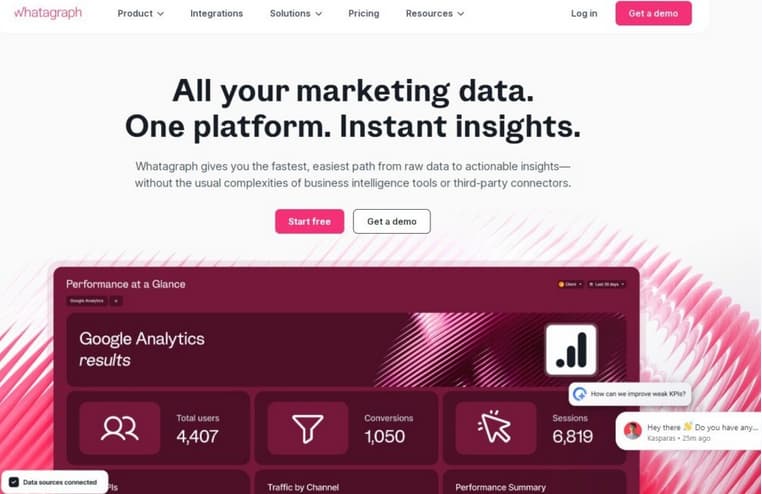
Whatagraph is built for marketers who need to translate data into a clear story quickly. It positions itself as a marketing intelligence platform that uses AI to replace complex, manual reporting workflows.
For a freelancer, its main appeal is consolidating data from over 55 marketing channels into a single, intuitive interface, effectively acting as a unified source of truth for all your client’s campaign data.
The platform’s AI, branded as Whatagraph IQ, is deeply integrated and designed to handle the tedious parts of a freelancer’s job. Instead of just providing a chatbot, it offers a suite of specific, time-saving features:
- IQ Report Creation: You can generate an entire report from a single prompt. The AI builds the layout, selects widgets, and pulls in the relevant metrics, which you can then refine by simply asking the AI to make adjustments.
- IQ Theme: This feature addresses the repetitive task of branding reports. You can upload a screenshot of a client’s brand guide, and the AI will detect the fonts and colors, applying a consistent theme across a report in seconds.
- IQ Summaries: This automates the writing of performance summaries. It analyzes the data in your report and generates client-friendly commentary in plain language, covering wins, opportunities, and trends. You can control the length and edit the output to add your own voice.
- IQ Chat: For on-the-fly analysis, the built-in chatbot lets you ask specific questions about your connected data, like “Which channel drove the most leads last quarter?” to get instant, actionable answers without jumping between tools.
User reviews frequently highlight the platform’s ease of use and the significant time savings—some users report saving over 100 hours per month. The highly customizable, white-labeled reports are also a major plus for freelancers presenting a professional image to clients.
A key consideration is the pricing model, which is based on “source credits” (each connected data account costs one credit). While there is a Free Forever plan with limited credits, the cost can become a significant investment for a solo freelancer managing many client accounts.
Improvado: The Enterprise Data Automator
Improvado serves a different need, focusing on large-scale data aggregation and automation for enterprise-level marketing teams and agencies. Its standout feature is the ability to connect and harmonize data from a massive library of over 500 marketing platforms and channels.
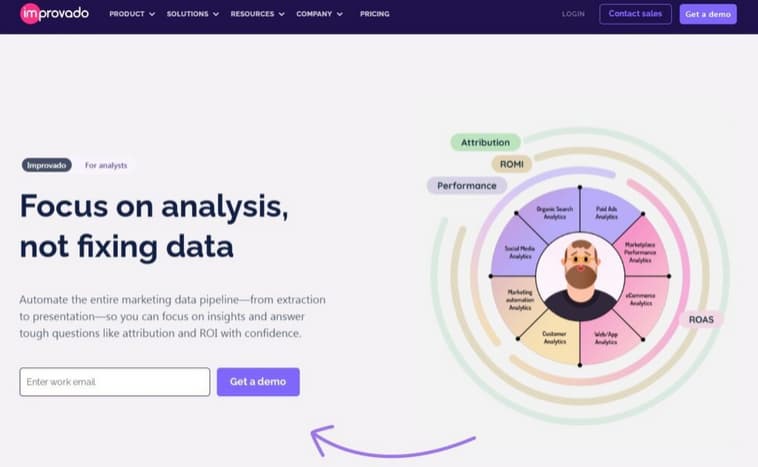
For a freelancer, this is likely overkill unless they are dealing with very complex, multi-national campaigns or specialized data sources mthat ost tools don’t support. The platform uses AI to automate the entire data pipeline—from extraction and transformation to loading—and offers AI agents that can be queried using natural language for insights. Its primary strength is raw data power and automation, not necessarily intuitive report building. Pricing is custom-quoted and tends to be enterprise-focused, making it a less probable fit for individual freelancers compared to other tools.
ThoughtSpot: The AI-Powered Business Intelligence Platform
ThoughtSpot takes a more advanced, “self-service” BI approach. It is best for freelancers who act as strategic analysts and need to perform deep, exploratory data analysis across massive datasets.
Its core AI feature, Spotter, acts as a dedicated AI analyst. You can ask complex, natural language questions like “Why did conversion rates drop last Tuesday?” or “Forecast Q4 revenue based on current campaign trends,” and it will generate instant insights and visualizations.
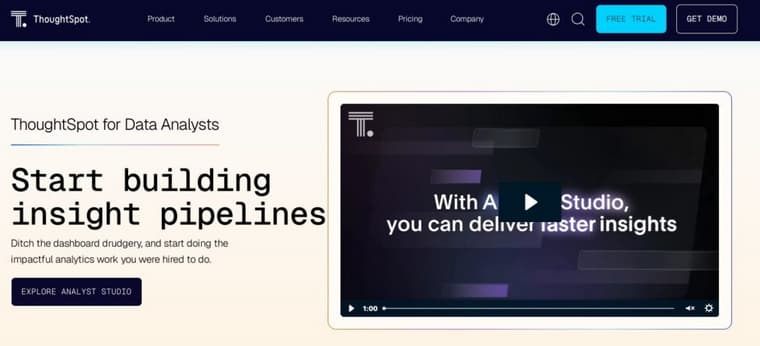
Unlike tools designed primarily for pre-built report generation, ThoughtSpot is built for interactive Liveboards and ad-hoc discovery, empowering you to find the “unknown unknowns” in your client’s data. This power comes with a steeper learning curve and a higher price point, starting at $1,250 per month, which may be prohibitive for freelancers but is worth considering for those providing high-level strategic consulting.
AgencyAnalytics: The Campaign-Centric Tracker
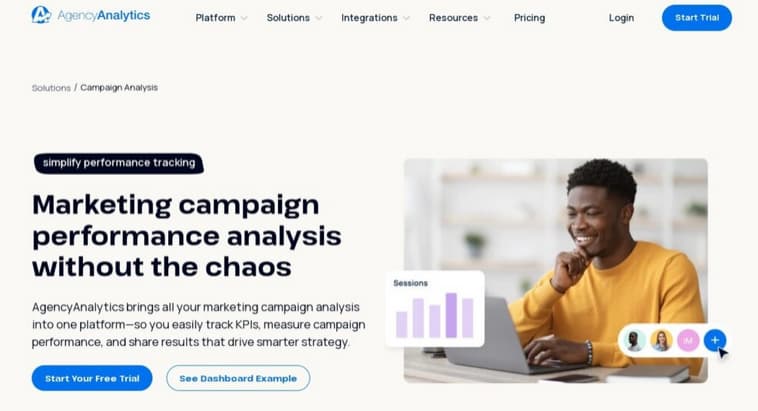
AgencyAnalytics is a direct competitor to Whatagraph, with a strong focus on tracking the performance of digital campaigns across channels like SEO and PPC. It integrates with over 80 data sources and offers its own AI features, including “Ask AI” for querying dashboards and AI Widget Summaries that auto-generate text explanations for charts.
However, based on user feedback, several key differentiators emerge. AgencyAnalytics uses a pricing model based on the number of clients, which can become expensive and restrictive as you scale.
Users have reported that its data blending capabilities are more limited compared to Whatagraph, and some integrations can be unstable, occasionally leading to data delays or disconnections. It’s a solid tool for straightforward campaign visualization but may lack the advanced data organization and reliability some growing freelancers require.
Coursiv: The Skill Builder
Coursiv.io is a mobile-first learning platform built around bite-sized, daily lessons. It functions less like a traditional course library and more like a digital coach for building habits with AI and digital marketing tools.
The platform’s core offering is its structured challenges, such as the “AI Side Gigs Challenge,” which are designed to walk you from learning a skill to applying it in a freelance context quickly. The learning is interactive, prompting you to use AI tools directly within the lessons.
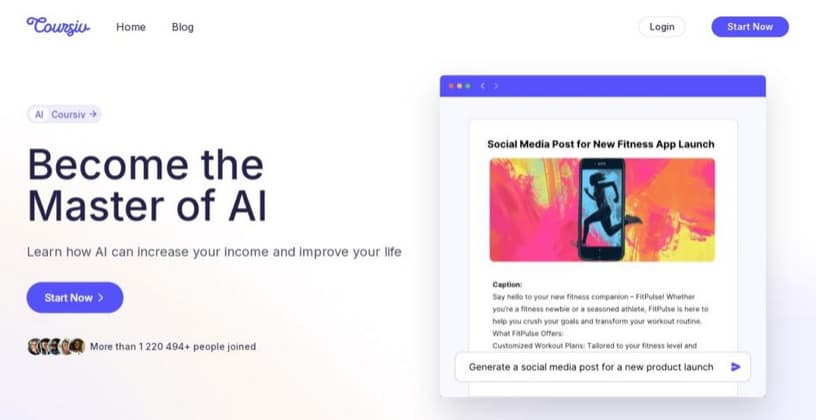
User reviews on Trustpilot praise its engaging, beginner-friendly format for building foundational skills. However, a common critique is that the content can feel basic for those already comfortable with AI, and some users report challenges with managing its subscription-based pricing model.
It’s a practical choice for building hands-on competency through daily practice, not for deep theoretical knowledge.
Wrapping Up: Finding Your Analytics Partner
Your choice in an AI analytics tool really depends on the story you need to tell your clients.
If your work involves creating polished, narrative-driven reports that blend data from many sources, Whatagraph provides the most cohesive storytelling environment.
For deep, exploratory analysis where you need to ask complex, ad-hoc questions of large datasets, ThoughtSpot’s AI-powered BI approach is unmatched.
When your focus is strictly on the performance of SEO and paid campaigns, AgencyAnalytics delivers the essential tracking and reporting features.
And if your priority is to quickly build the hands-on skills to use any of these platforms effectively, Coursiv.io’s challenge-based learning offers a direct path to practical proficiency.
The right tool doesn’t just give you data—it gives you back your time. Pick the one that automates your biggest pain point.